Tally keeps the books. Extolly makes them readable.
Nothing about your books moves or changes. Extolly sits on the same computer as TallyPrime, reads what you have entered, and shows it as a dashboard you can read at a glance. A bill you make in Extolly is written into Tally for you.
Your books, exactly as they are today. The only place an entry truly lives.
The Windows app. It reads what changed every minute, checks its copy against Tally, and sends in the bills you make.
Sales, money, stock and GST on four clear screens, in the app's own window or a browser on the same computer.
Four steps, most of them automatic.
You install it and pick your company. Extolly does the rest.
Install Extolly on the computer that runs Tally
Download one file and run it. It installs into your own Windows account, with no administrator password, and opens by itself.
Install guideExtolly finds Tally by itself
With TallyPrime open and your company loaded, it takes a few seconds. If Tally's connection is switched off, Extolly shows the three settings to change and carries on once they are. Nothing is installed inside Tally.
Connect TallyYour books are read, then proved
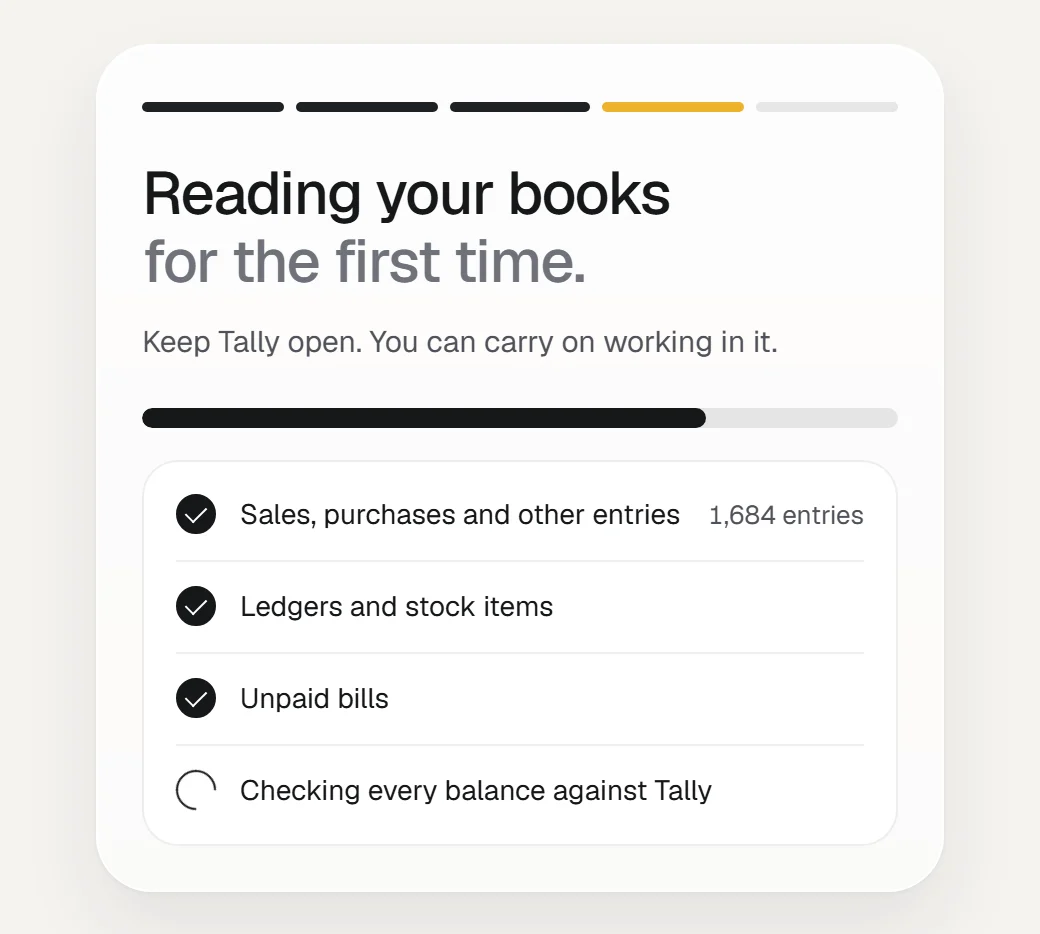
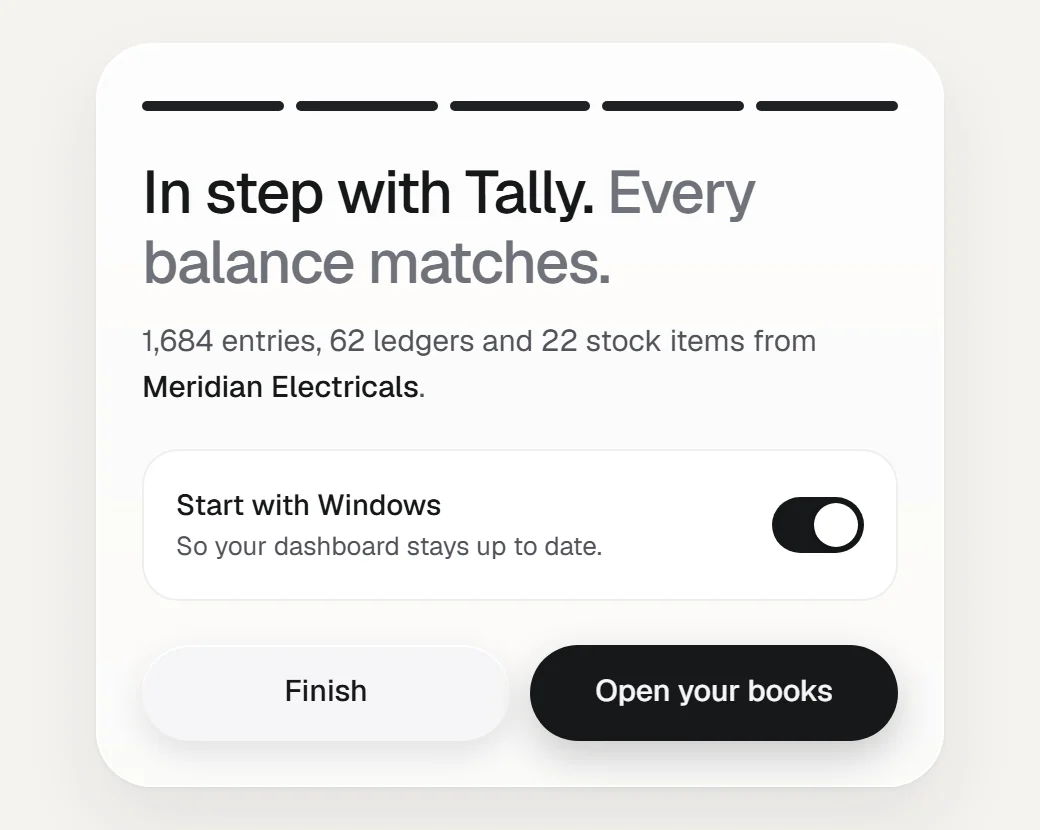
Every entry, ledger, stock item and unpaid bill is read. Then each ledger balance and stock quantity is worked out from what was read and compared with Tally's own closing figure.
How syncing worksYour dashboard is ready
Every screen is filled in. Extolly then sits beside the clock and checks Tally for changes every minute, so the figures stay current while you work.
Find your way around

The same as Tally, and able to prove it.
A dashboard is only worth having if you can trust it. Extolly does not assume its copy is right. It checks after every read, and tells you plainly when something differs.
- It looks for changes every minute
New and edited entries are picked up by the change number Tally gives each one. When nothing has changed, a check costs Tally one small question. You can make it every 5 or 15 minutes instead.
- It notices what was deleted
Every ten minutes, and whenever something has changed, Extolly compares a count and a total for each date with Tally's. A date that differs is read again, so an entry deleted or moved in Tally leaves Extolly too.
- It proves the result
Every ledger balance and stock quantity worked out from the copy is set against Tally's closing figure. Data health shows how many match, and names any that do not.
- It never removes entries on a bad answer
If Tally sends back something empty or cut short, because it was busy or closing, Extolly keeps what it has and tries again.
- It says how fresh the figures are
Under the company's name you always see how things stand: live and when it was last checked, Tally closed and the time your figures are from, or a bill that needs you.
- It is tested before it reaches you
Every version is put through more than 300 automatic checks before it is released. Among them: a bill cannot go in twice, a change cannot overwrite what Tally holds, and a bad answer removes nothing.
What you can make in Extolly, and have appear in Tally.
Press New, fill in the form, and send. If Tally is open it goes in at once. If Tally is closed it waits, clearly marked, and goes in when Tally opens. You never have to enter it twice.
| In Extolly you make | What goes into Tally |
|---|---|
| Sales bill | Regular or proforma, with GST worked out line by line |
| Purchase bill | With the goods it brought in and the supplier's bill number |
| Payment received | Set against the customer's oldest unpaid bills first |
| Payment made | Set against the supplier's oldest bills first |
| Credit and debit notes | Returns and price changes, against a bill or on their own |
| Expense or other entry | Rent, salary, a bank transfer, a journal |
| Customers and suppliers | Added to Tally, with address, GSTIN and days of credit |
| Changes to bills in Tally | Edit, make a proforma regular, cancel or delete |
What Extolly leaves to Tally. Orders, delivery and receipt notes, stock journals, manufacturing and payroll entries are read and shown, but cannot be made in Extolly. Receipts, payments and journals already in Tally can be cancelled or deleted from Extolly, but not edited. E-invoices and e-way bills are not generated.
Kept where Tally keeps it: on your computer.
Your books are your business. Extolly is built so they stay that way.
Nothing about your entries, parties or amounts is sent anywhere.
The address the dashboard uses does not answer to other machines on your network.
Uninstall whenever you like. Every entry in Tally stays exactly as it is, the ones made through Extolly included.
Try it on your own books. Tally will not notice.
Install it beside Tally and open your books. If it is not for you, uninstall it and Tally is exactly as it was.